02 - In Color
ANSI
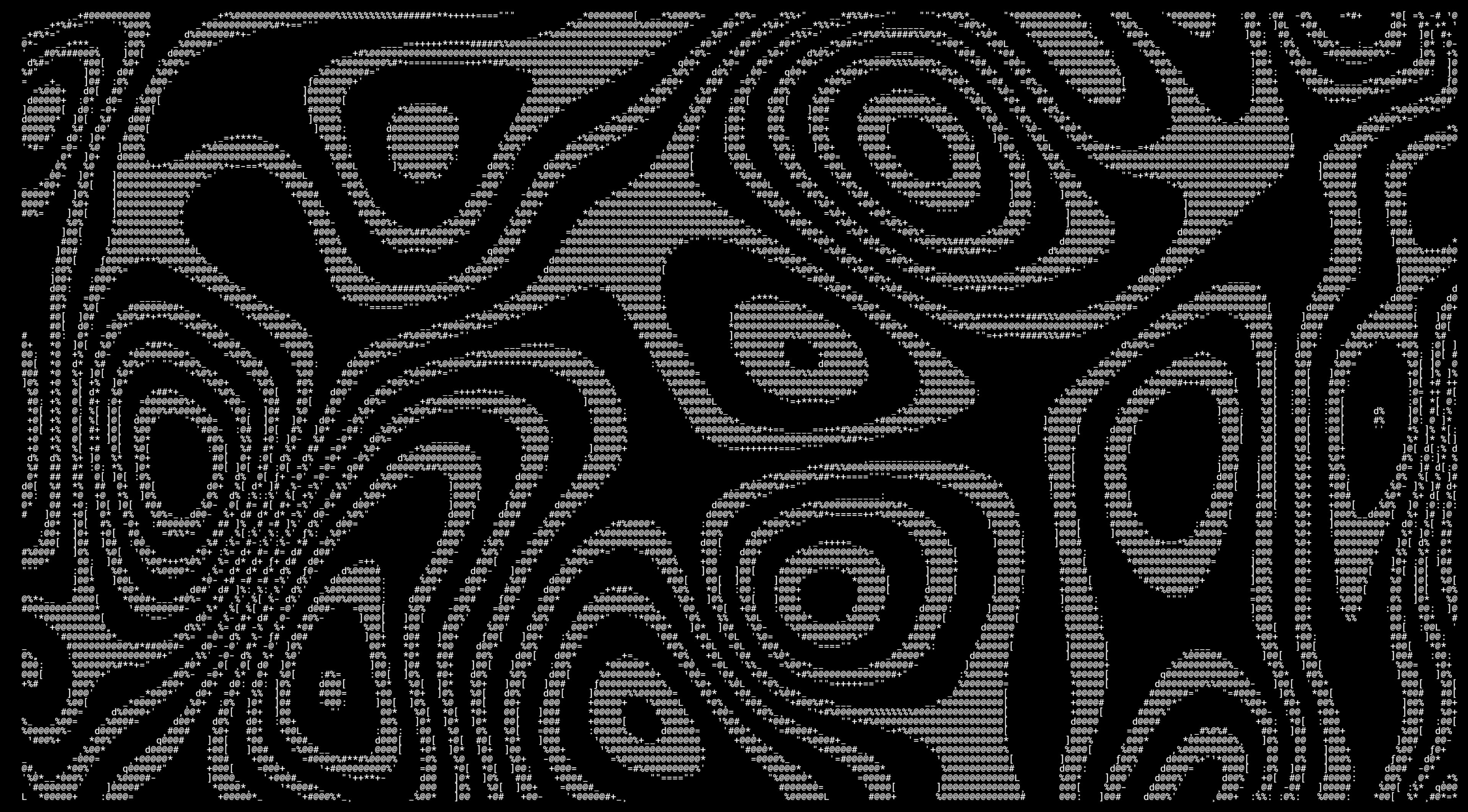
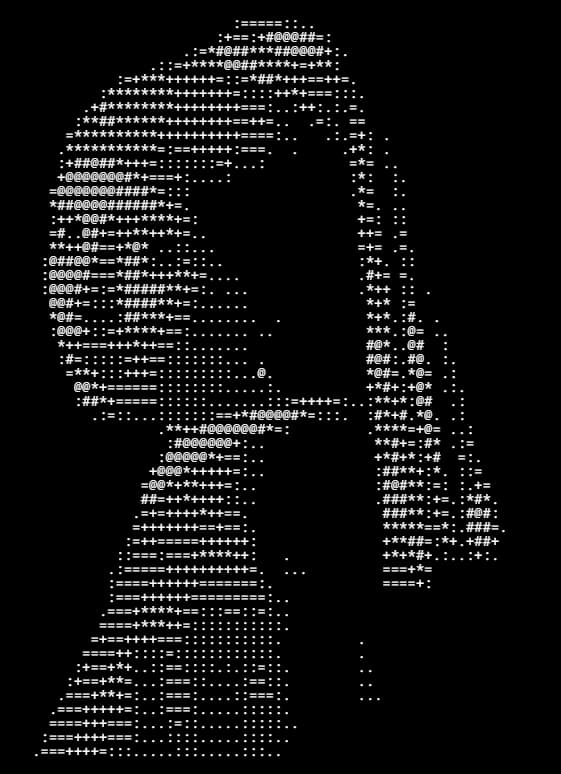
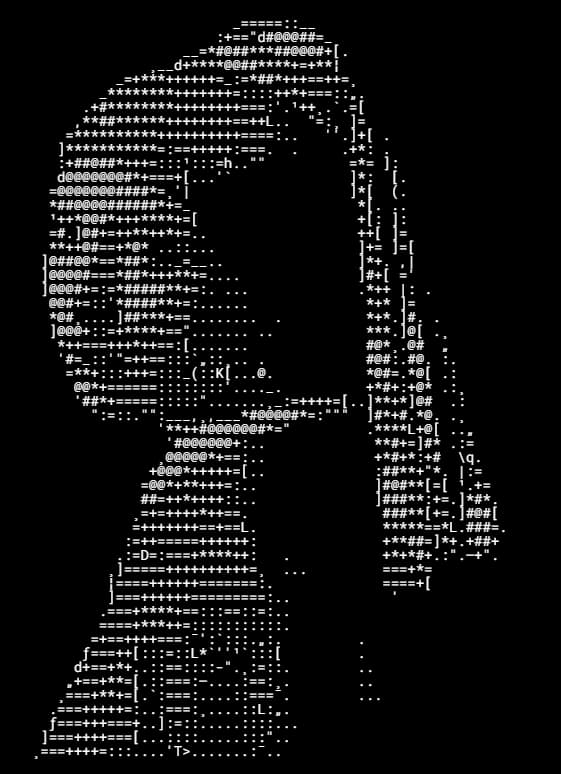
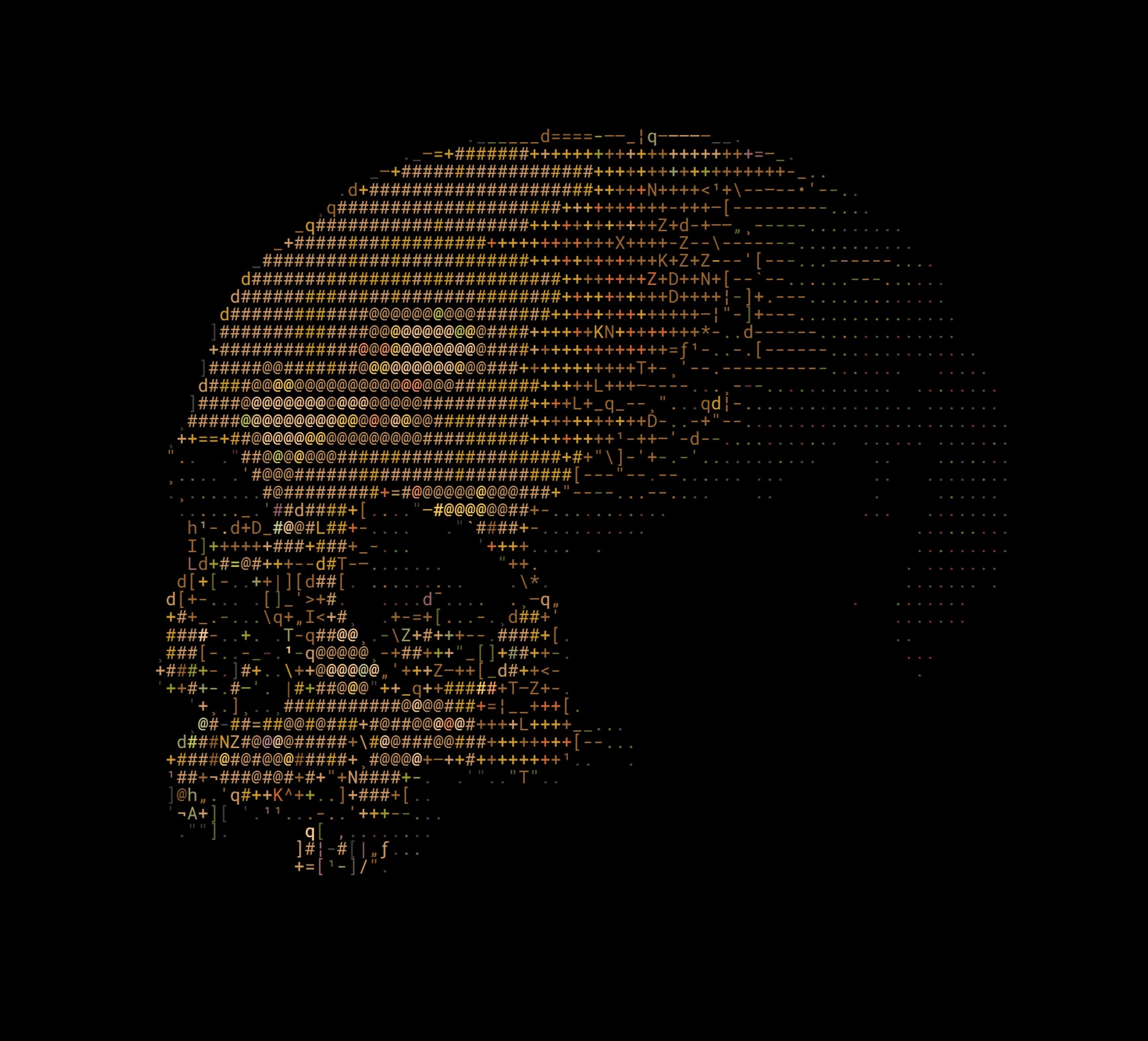
Turn images into color-rich ANSI. Keep detail while remaining portable for terminal display.
03 - In Motion
Video
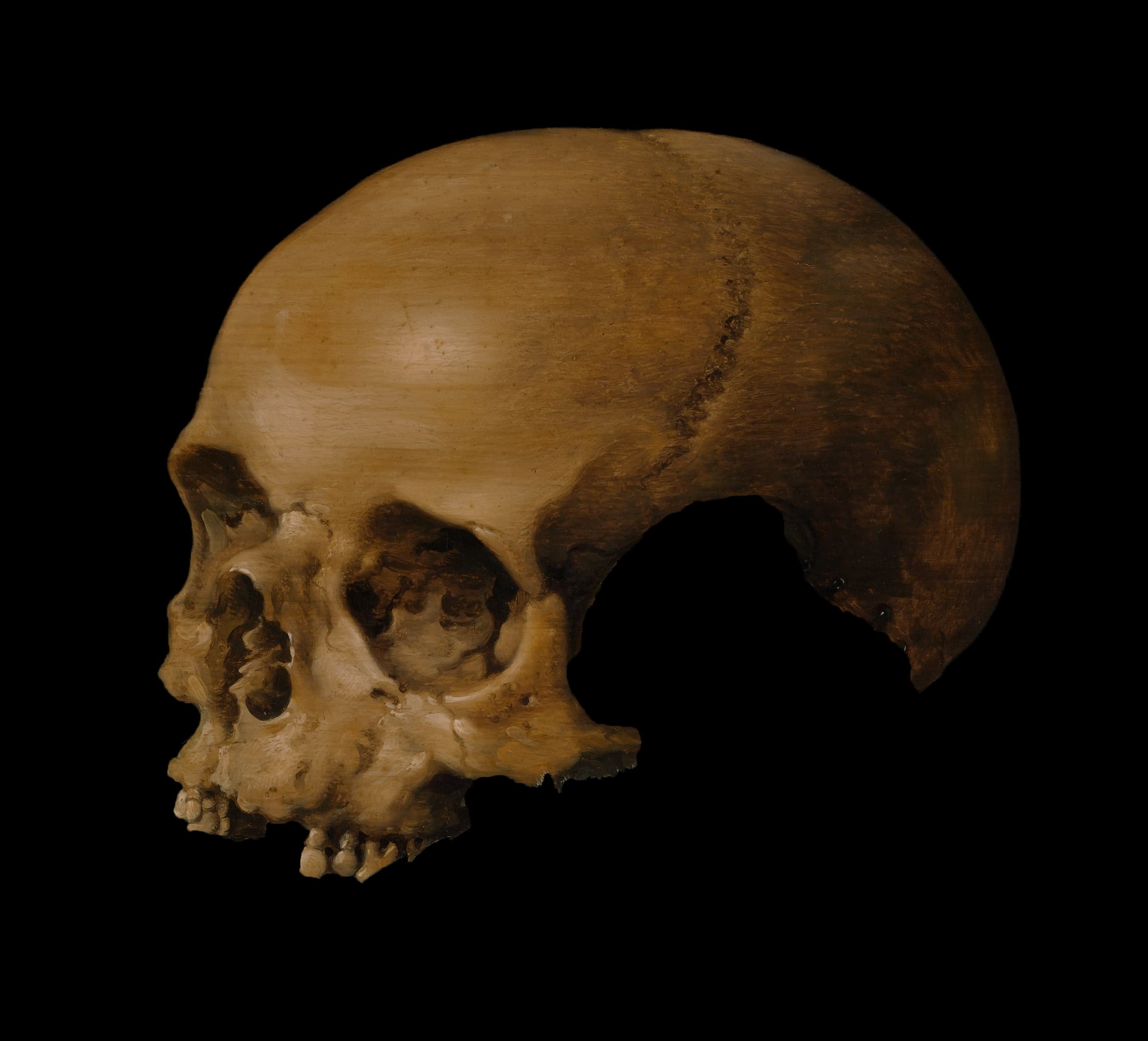
Visually interesting animation, that can be displayed anywhere while keeping shape and depth.
04 - In the real world
Use Cases
ASCII output works as text or as an exported image, so it fits creative, technical, and publishing workflows.
Printable PNG / JPG
Eye catching prints.
Export ASCII artwork as an image file for posters, flyers, moodboards, and visual experiments.
Export
PNG/JPG
Characters
Custom ramp
Width
Adjustable
Colors
Custom
Example
01 / 04
04 - FAQ
Frequently Asked
Quick answers about converting images, ANSI color, video frames, and ASCII character references in the browser.
01Is ASCII Tool private?
The main converters process source media in your browser, so images and videos stay on your device during normal use. Start with Image to ASCII for still images, then move to Video to ASCII when you need frame previews, timeline control, and animated exports.
02Is the website free to use?
Yes. ASCII Tool is, and always will be entirely free to use. There are no plans for fees, subscriptions, or premium features.
03What is the difference between ASCII and ANSI art?
ASCII art uses characters to describe shape, shading, and structure. ANSI art keeps those characters but adds terminal color escape codes. Use Image to ASCII when plain text portability matters, and Image to ANSI when color, terminal previews, or palette detail are part of the result.
04Can I use generated art for commercial purposes?
Yes. You can use generated ASCII or ANSI output for commercial projects, provided you have the right to use the source image or video. The tool does not grant rights to uploaded media, so check licenses before exporting work for products, clients, or campaigns.
05What file formats does this Tool support?
The still-image converters accept browser-readable image files such as PNG, JPG, WebP, and similar formats your device can decode. Video to ASCII accepts browser-readable video files and animated GIFs, then lets you preview a frame before committing to the heavier full conversion step.